
We start with your team.
We trace the repeated task with the people doing it now: what gets copied, checked, chased, corrected, and handed off.
 Start a conversationLet’s talk
FOR NONPROFIT & BUSINESS OPERATIONS TEAMS
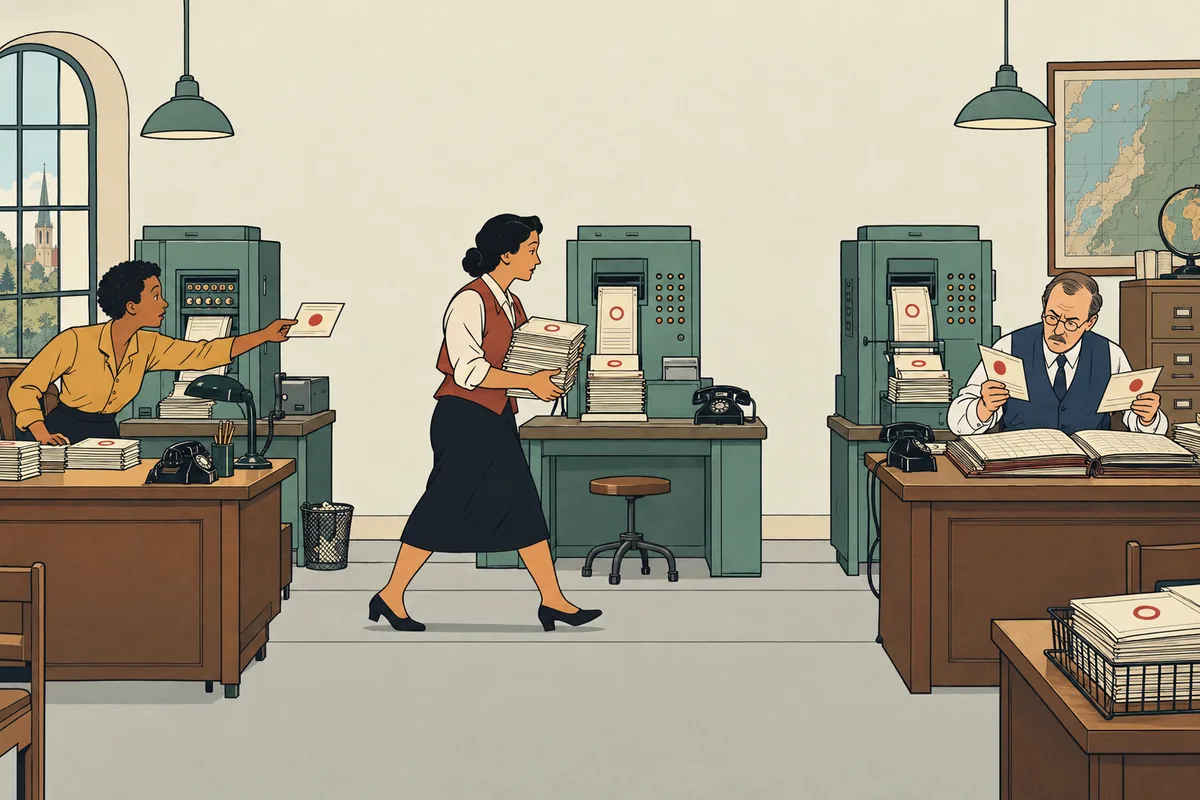
Change the date. Copy it to the site. Check the second list. Ask who updated the third. Each step seems small until every change depends on someone remembering the whole chain. Time away gets harder, and nobody is quite sure which version to trust.
Stop making the same update in three different places.
Tell Aaron what you keep doing twiceAt Reliance Church, Church Center event updates flowed into the website without duplicate entry.
WHAT CAN CHANGE
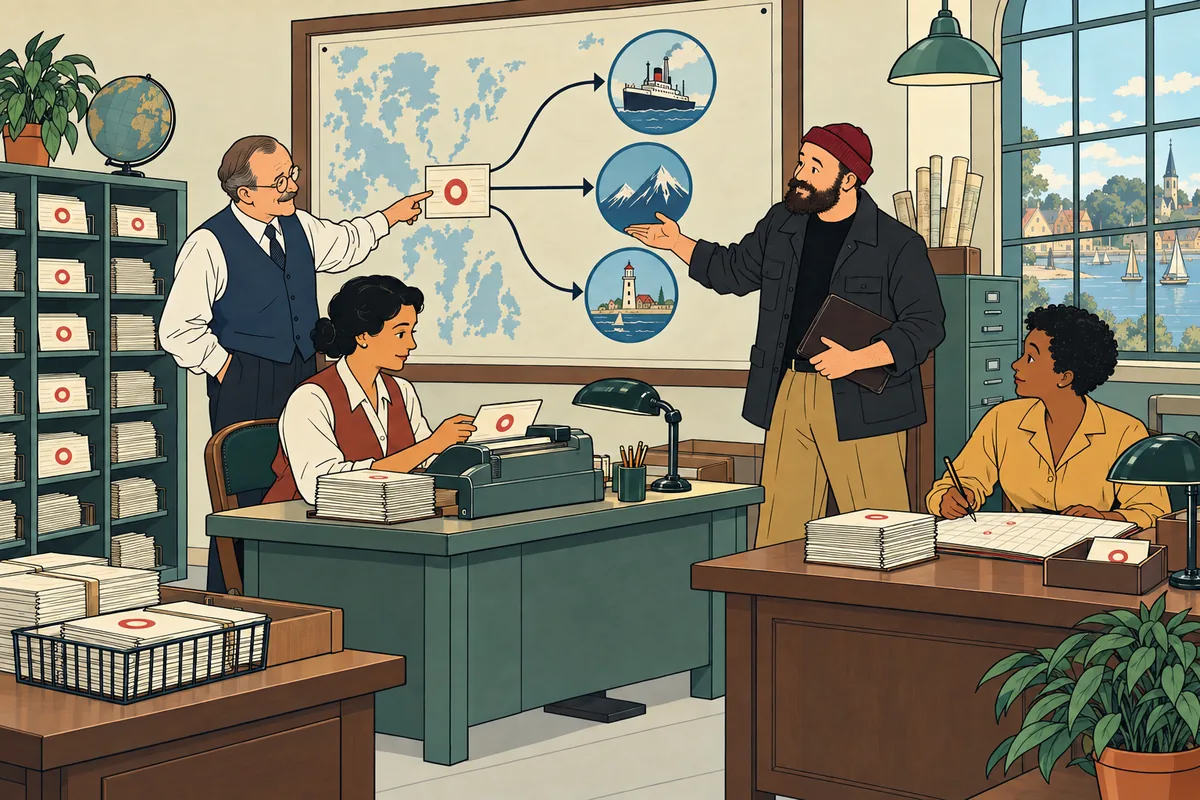
Aaron turns repeated copying, checking and chasing into a supported workflow with clear ownership: the change is made once, in an agreed place, and reaches the places your team needs it.
An engagement focuses on the recurring handoff causing the most friction. Useful existing software can stay in place where it serves the job.
Tell Aaron what you keep doing twiceTHE WORK BEHIND THE PROMISE
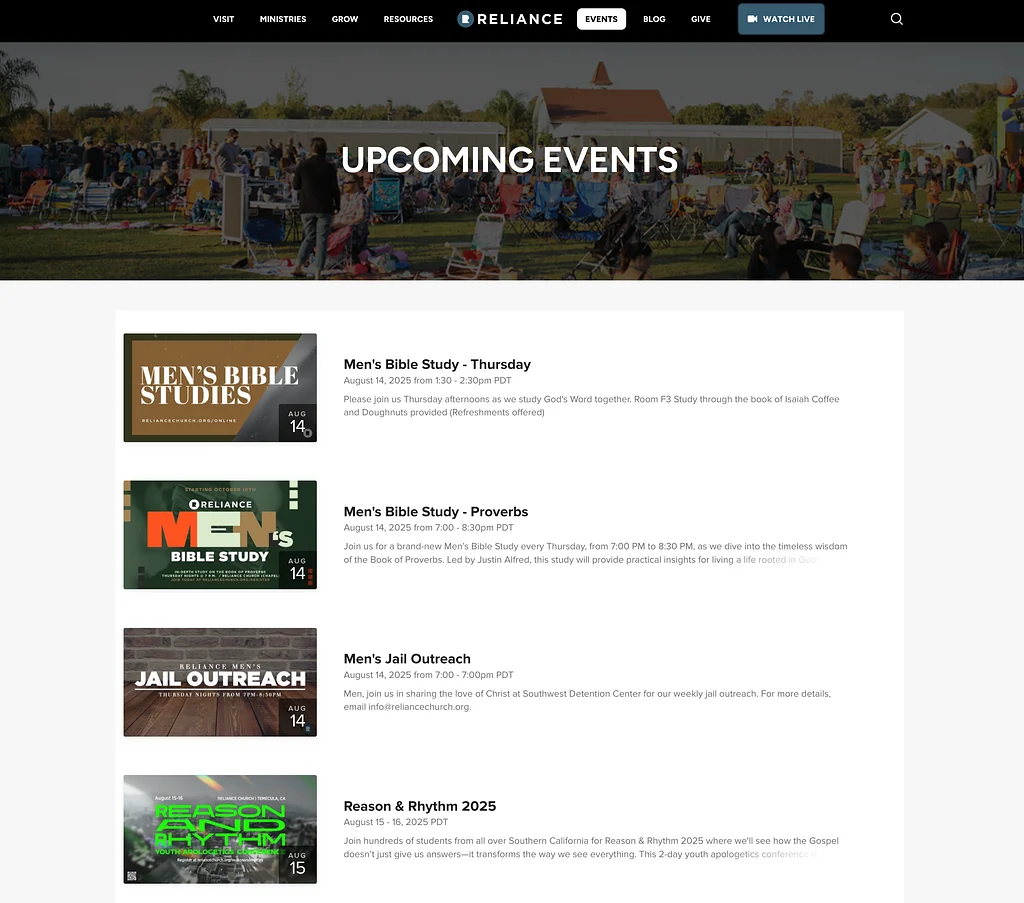
Reliance staff had been maintaining events in Church Center and on the website. Aaron connected the two so updates flowed into the site.
For CGN, staff could also publish events from a shared database without logging into WordPress. The useful change was in the working day: fewer places to repeat the same information.
SEE THE FINISHED WORK
 View full size (new tab)
Reliance’s website displays events synced from Church Center, reducing duplicate entry. This screenshot shows the public listing supported by that connection.
See the Reliance case studyScreenshots from the original projects. Current client sites may differ.
WEBSITE INTEGRATIONS & WORKFLOW AUTOMATION
An event, location or resource is maintained in one system and displayed on the website. The project establishes which record is authoritative and how corrections reach the public listing.
A request arrives through a website form, then someone copies it into another tool. We assess the available connections, required fields, permissions and exception handling before proposing a reliable route.
Articles, podcast episodes or videos need to appear in several places. Supported feeds and platform connections can reduce manual entry while keeping editorial review where it belongs.
These are potential project types. The Reliance and CGN examples above show Aaron’s completed work; the connections available for your organization depend on its software and access.
The connection should reduce work for the team, not create a clever integration nobody understands how to maintain.
We trace the repeated task with the people doing it now: what gets copied, checked, chased, corrected, and handed off.
We define the reliable source, responsibilities, platform constraints, exceptions, and the decisions needed before anything is connected.
We connect the useful tools that can support the workflow, or build a focused bridge where the existing stack leaves a real gap.
We show staff what the connection handles, what still needs human attention, and who owns maintenance or exceptions when something changes.
BEFORE WE BEGIN
Not necessarily. The right project may be a connection between tools you already use.
Their capabilities, permissions and data access determine what is possible. Where those are uncertain, paid assessment comes before a build commitment.
Monitoring, maintenance and support responsibilities are agreed as part of the scope. Your team knows what it will own and what support is available.
LET’S FIND THE RIGHT NEXT STEP
Describe one repeated update, the tools involved and who keeps them in sync today. You don’t need to arrive with the technical solution.
If there is a fit, we’ll arrange a free introductory conversation. Any tailored assessment or project work is scoped and priced before you commit.
The service is selected for this page. You can change it in the form.
Your details help Aaron review and respond to your project. How we handle inquiries.
Having trouble with the form? Open the inquiry in a new tab ↗