
We start with your team.
We understand who will use the tool, what they are trying to accomplish, the workaround they rely on now, and what data or constraints matter.
 Start a conversationLet’s talk
FOR NONPROFIT & BUSINESS TEAMS
A spreadsheet holds the records. Another file tracks the exceptions. Someone copies information between them because the available software never quite fits.
Give your team a tool that fits the job.
Tell Aaron about the tool you need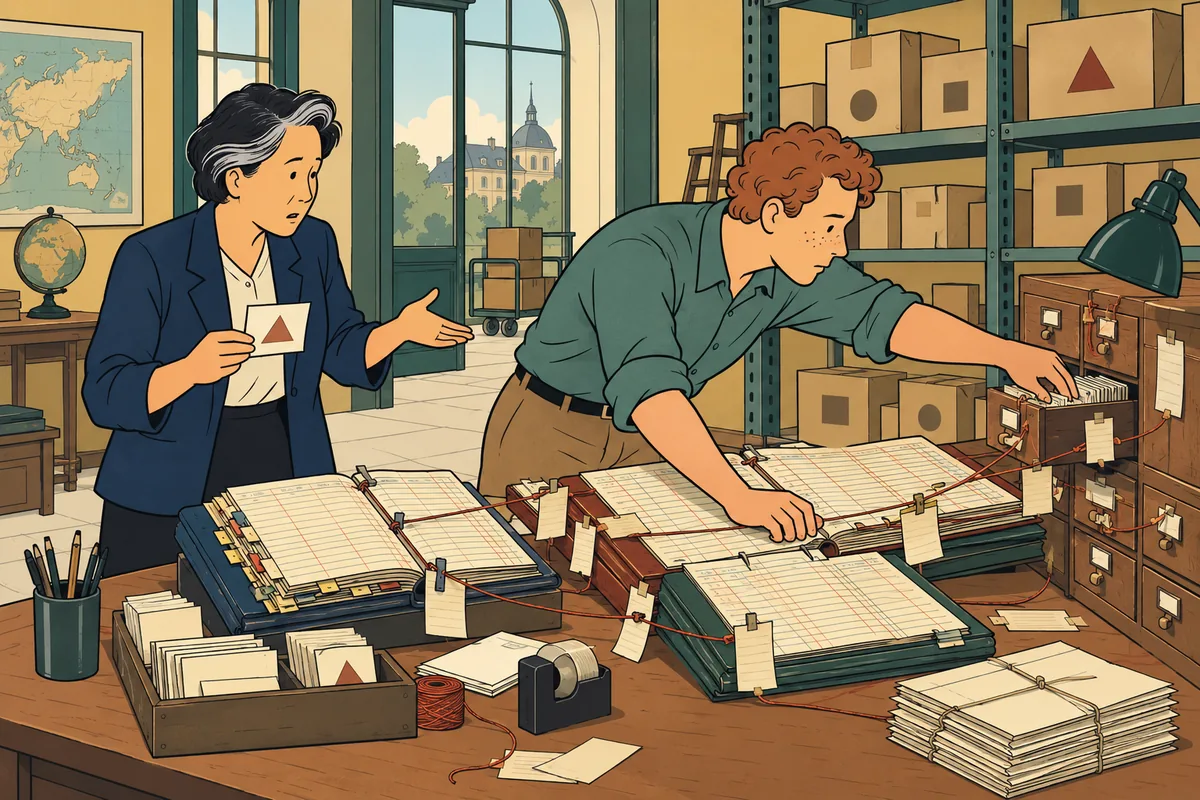
WHAT CAN CHANGE
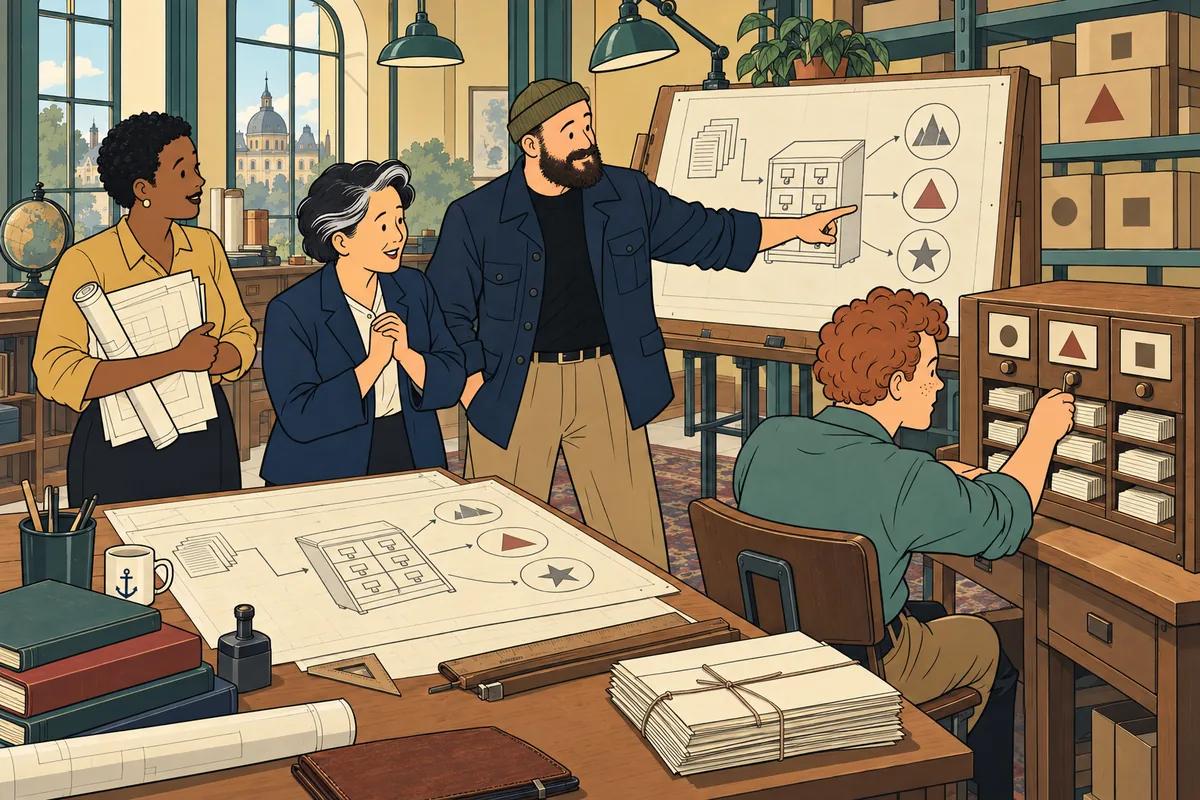
Your team needs a useful way to do the work, with fewer steps that depend on memory and improvisation. Aaron turns the recurring problem into a focused application, and plans for ownership and ongoing support from the start.
Depending on the project, Aaron builds hands-on or directs specialist developers.
Tell Aaron about the tool you needTHE WORK BEHIND THE PROMISE
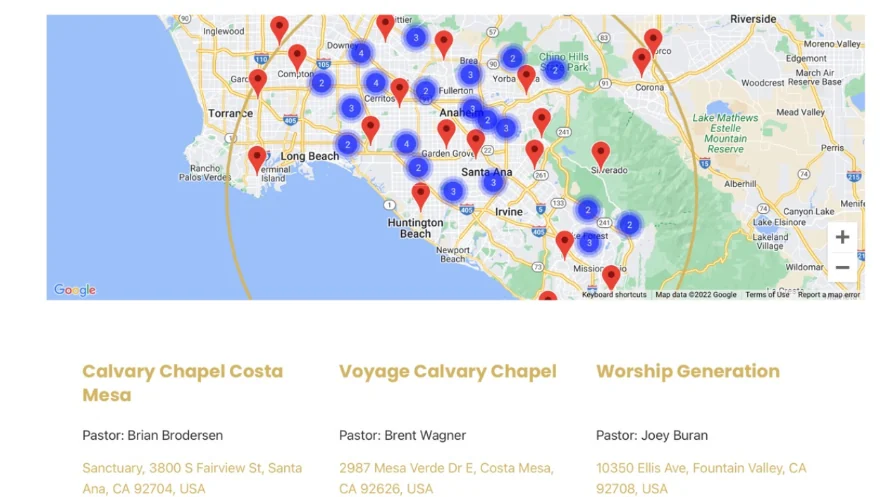
For CalvaryChapel.com, Aaron architected and designed a church finder around a database of more than 1,000 churches, working with developer AJ Caldwell.
Visitors gained a map with location filters. Staff had a manageable backend for the information behind it.
SEE THE FINISHED WORK
 View full size (new tab)
A map and searchable directory turn church records into a practical public tool. Aaron led the architecture and design in his CGN role, working with developer AJ Caldwell.
See the CalvaryChapel.com case studyScreenshots from the original projects. Current client sites may differ.
PRACTICAL TOOLS FOR DAILY WORK
Help people find a location, organization or resource through useful filters. Give staff a clear way to maintain the records behind it. The CalvaryChapel.com directory above is a completed example, with Aaron’s role and developer credit documented.
A possible engagement might replace a sprawling spreadsheet with a focused interface for assignments, status, records and approvals. We define the users, permissions and essential actions before building.
Where useful, AI can help suggest resource tags, prepare draft summaries or organize incoming material. Data permissions, representative examples, review steps and acceptable error levels must be established before those suggestions become part of a live workflow.
Custom development is appropriate when the task warrants it. If existing software fits, the recommendation may be configuration or a connection instead. Hosting, third-party usage costs and ongoing support are scoped explicitly.
The process starts with the people doing the work, not with a favorite technology. AI is one option, not the point.
We understand who will use the tool, what they are trying to accomplish, the workaround they rely on now, and what data or constraints matter.
We guide the product decisions, scope, permissions, tradeoffs, testing criteria, and specialist work so the build stays focused on the real job.
We create the focused application, interface, workflow, or AI-assisted tool that fits the task instead of forcing the team into unnecessary complexity.
We train users, document ownership, and define hosting, maintenance, support, and the limits of the tool before it becomes part of daily work.
BEFORE WE BEGIN
No. A straightforward database or interface may be the right answer. AI can be considered where it helps the job and its limits can be managed.
A paid assessment can investigate the relevant constraints, data access and options before a production build is proposed.
Hosting, maintenance, support and team responsibilities are agreed before the build. Ongoing services are scoped explicitly so your team knows what to expect.
LET’S FIND THE RIGHT NEXT STEP
Tell Aaron who would use the tool, what they need to accomplish and how they manage it today. You don’t need a technical specification. Please leave sensitive records out of the inquiry.
If there is a fit, we’ll arrange a free introductory conversation. Any tailored assessment or project work is scoped and priced before you commit.
The service is selected for this page. You can change it in the form.
Your details help Aaron review and respond to your project. How we handle inquiries.
Having trouble with the form? Open the inquiry in a new tab ↗