
Start with the team.
Understand what the archive contains, who publishes into it, who depends on it, and what must still work after the move.
 Start a conversationLet’s talk
 FOR ORGANIZATIONS WITH YEARS OF VALUABLE CONTENT
Move years of articles, teaching and media into a structured library people can use. Aaron leads complex migrations, content organization and the decisions that keep valuable work from getting stranded in the move.
Thousands of legacy articles at CalvaryChapel.com. A project inventory of 1,907 posts and 62 pages at Jesus Famous.
Tell Aaron about your archive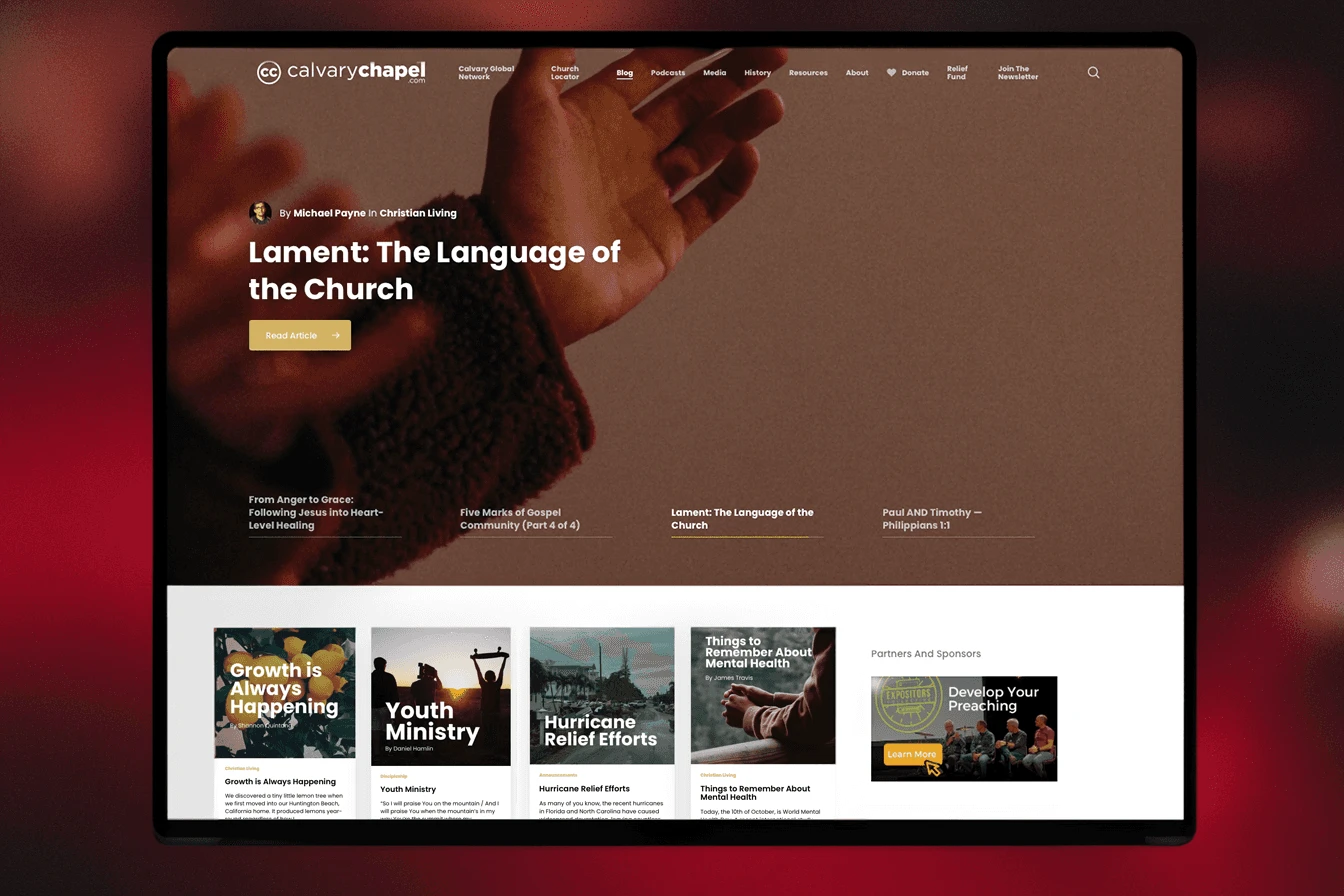
THE WORK BEHIND THE PROMISE
Aaron led the migration from SilverStripe and reorganized the archive around subjects and authors as part of the wider publishing rebuild.
The Squarespace-to-WordPress project combined a substantial content move with organized libraries and a connected media platform.
SEE THE FINISHED WORK
 View full size (new tab)
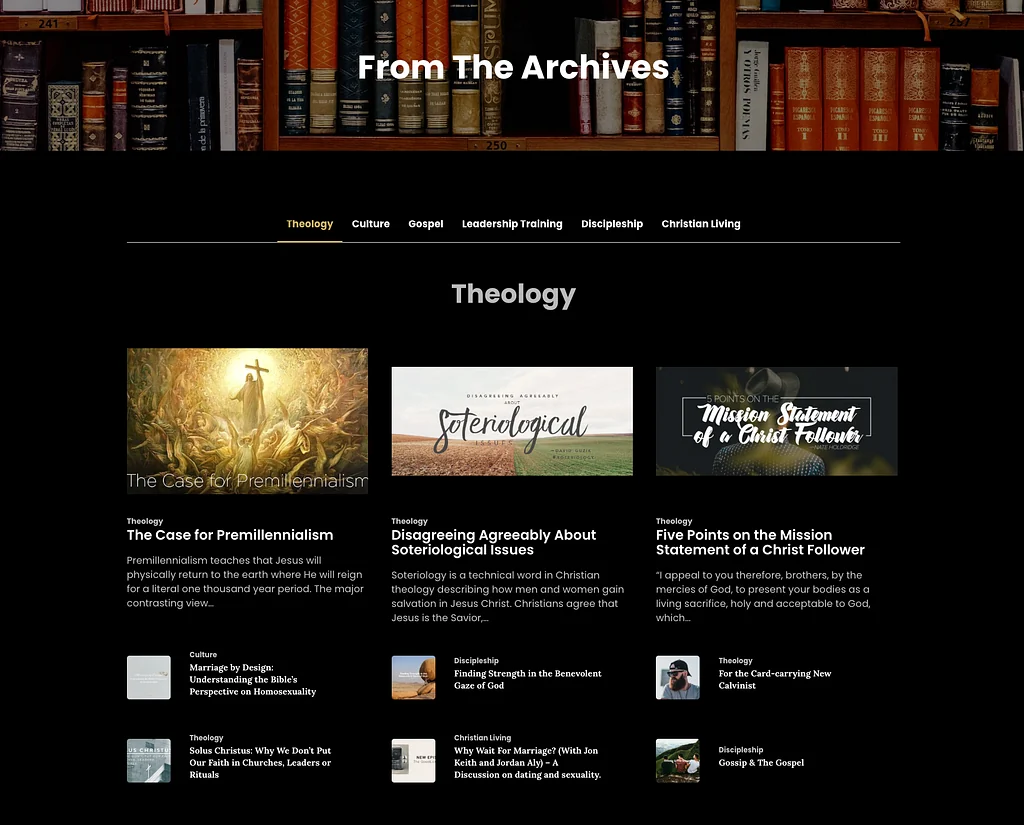
A dedicated archive gives past teaching an inviting front door, with topic navigation and featured material.
See the CalvaryChapel.com case study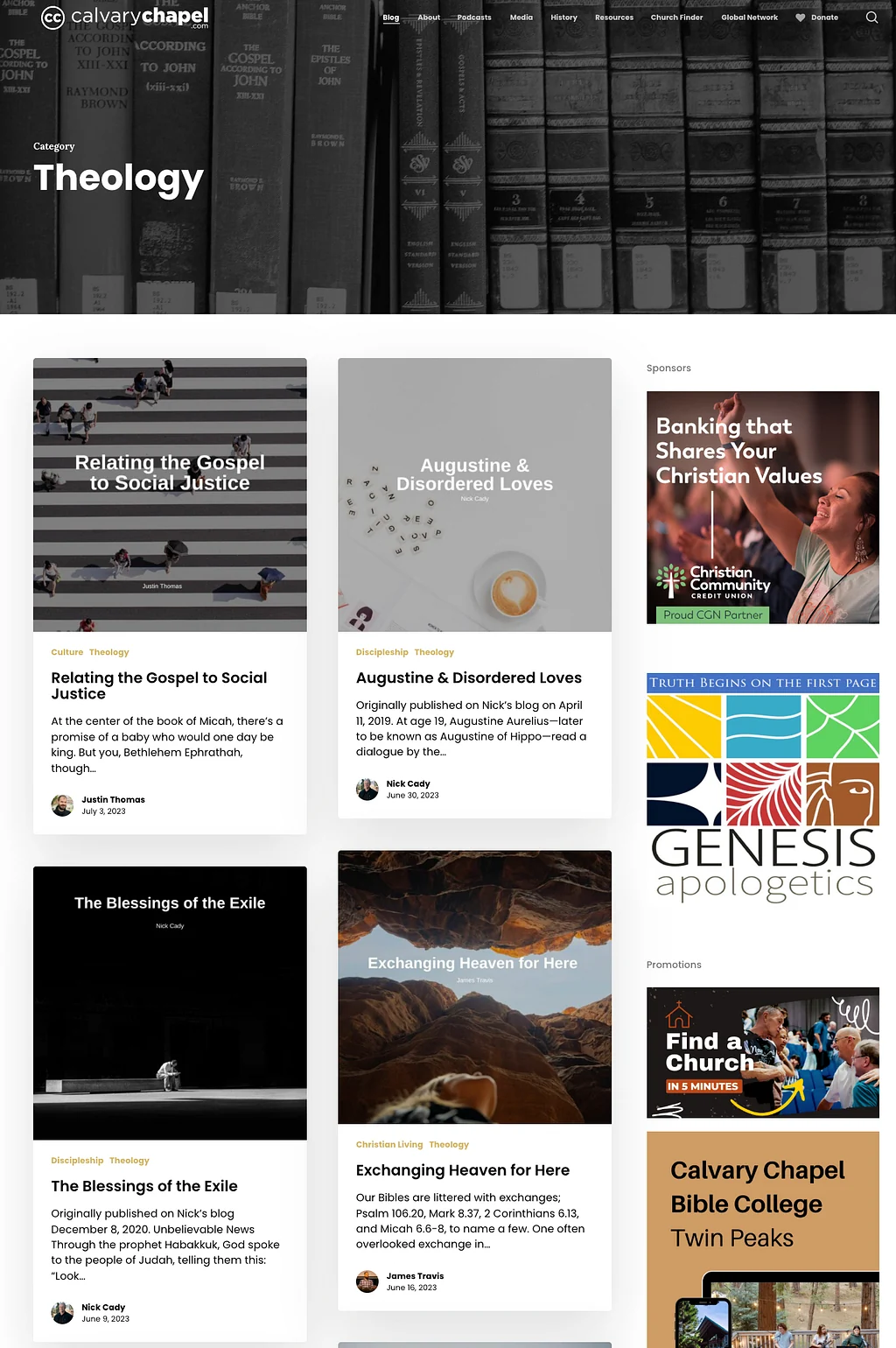 View full size (new tab)
The theology archive groups related articles into a consistent editorial layout. This is the public-facing result of organizing content, not a migration log.
See the CalvaryChapel.com case studyScreenshots from the original projects. Current client sites may differ.

WHAT’S GETTING IN THE WAY
The platform is dated. The library is valuable. Nobody wants to discover after launch that recordings are missing, links point nowhere or years of teaching have become an unsearchable pile of files.
Moving the website is only part of the decision. The content needs a destination, a useful structure and someone accountable for the migration scope.

WHAT CAN CHANGE
When the source or archive condition is uncertain, a paid assessment establishes what the move will require before a full implementation commitment.
Tell Aaron about your archiveHOW HELMSMAN WORKS
A successful migration is not just a transfer. The source, structure, exceptions, publishing workflow, and future owners all have to fit together.
Understand what the archive contains, who publishes into it, who depends on it, and what must still work after the move.
Define the source systems, destination, migration rules, exception handling, responsibilities, and sequence before thousands of items start moving.
Migrate and organize the content into a useful library with the structure, redirects, checks, and publishing pathways the project actually requires.
Document the new publishing structure, train the people maintaining it, and make clear what happens when an exception or future migration issue appears.
BEFORE WE BEGIN
Aaron has led migrations without a clean export path and designed the publishing structures around the recovered material. That combination matters when the goal is to make years of work useful again.
“He understood our vision, implemented it beautifully, and built a site we look forward to using for years to serve God’s people. He was worth every penny.”
BEFORE WE BEGIN
That depends on what remains accessible in the source systems. We identify the limits and agree on checks and treatment of exceptions before committing to the migration.
Redirect needs and material published during the transition belong in the migration scope. Their treatment depends on the platforms and access available.
No. Selecting a suitable destination can be part of the paid assessment. Your team needs access to the source material and authority to decide what belongs in the new library.
LET’S FIND THE RIGHT NEXT STEP
Share where the content lives, roughly how much there is, and what has made moving it difficult. Estimates are fine. Please keep passwords out of the inquiry.
If there is a fit, we’ll arrange a free introductory conversation. Any tailored assessment or project work is scoped and priced before you commit.
The service is selected for this page. You can change it in the form.
Your details help Aaron review and respond to your project. How we handle inquiries.
Having trouble with the form? Open the inquiry in a new tab ↗